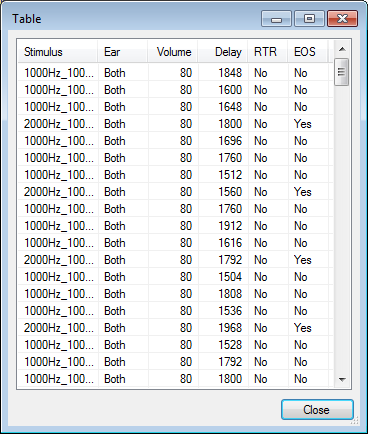
Defining a Paradigm Configuration
-
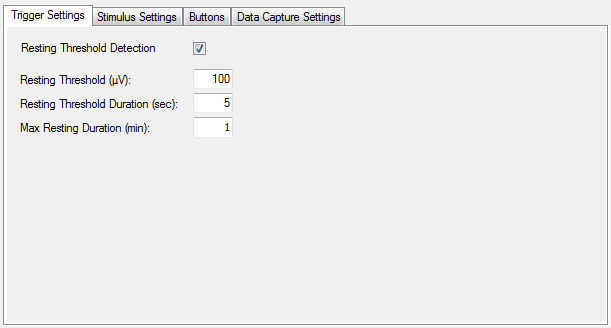
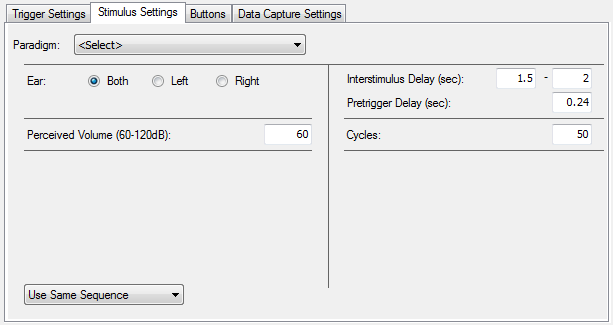
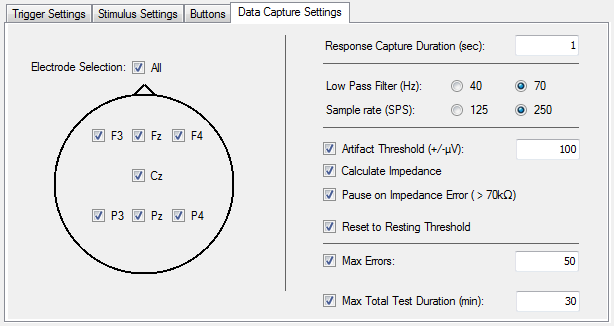
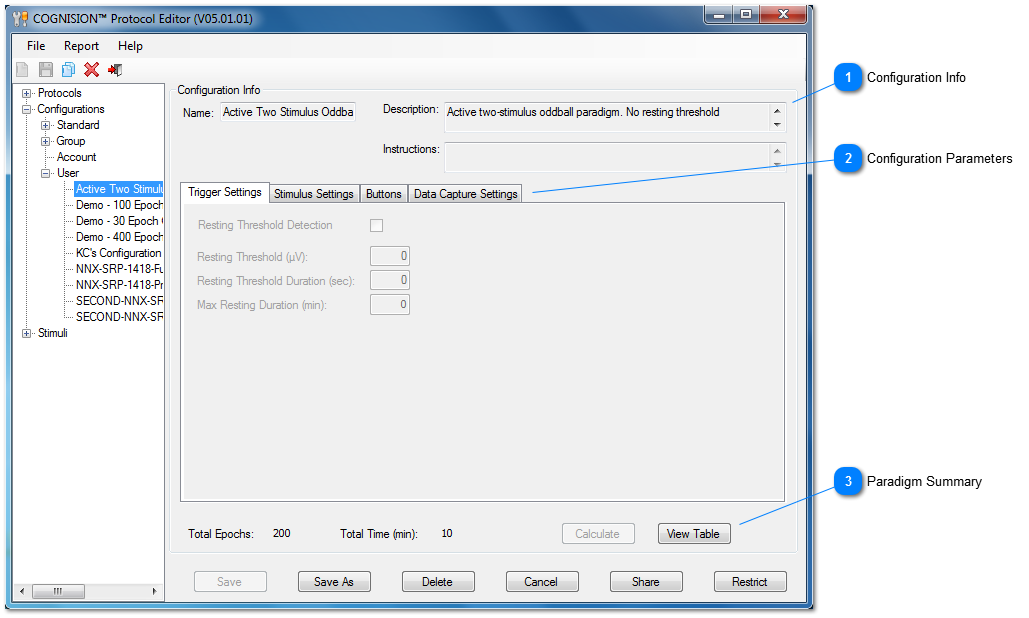
Enter the desired paradigm configuration info and parameters and press Save As to create a new Configuration.
-
Select a Configuration from the tree, modify the parameters, and press Save to replace the selected Configuration.
-
Select a Configuration from the tree and press Delete to remove the selected Configuration from the tree.
-
Press Cancel to cancel the current operation.
NOTE: User-defined paradigm configurations are NOT FOR CLINICAL USE and are not consistent with the Indications for Use. Only configurations available from the Standard node should be used for clinical purposes.