Enter Test Session Notes
After the test session data is uploaded, you will be prompted to enter Test Notes.
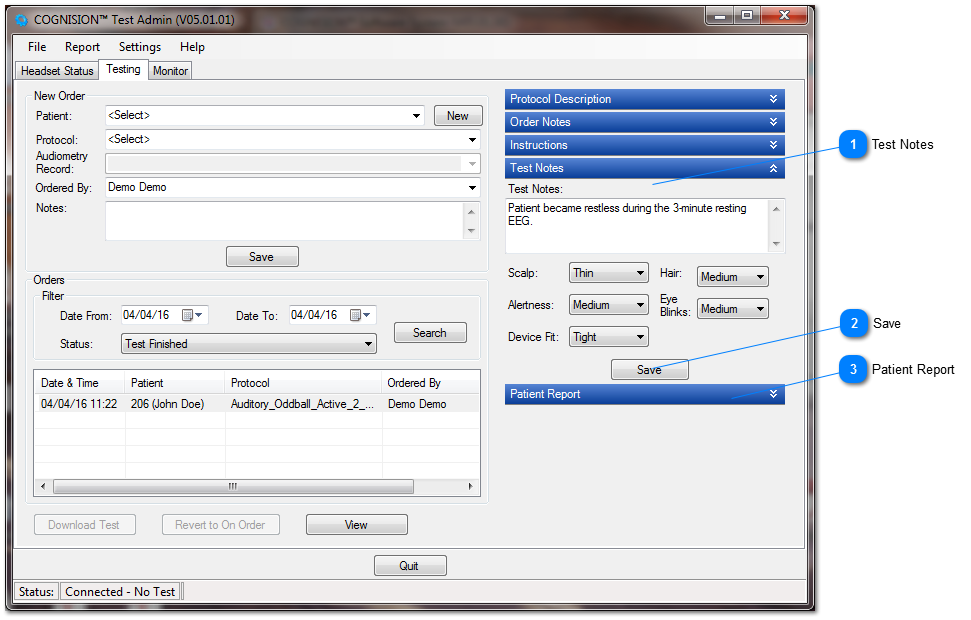
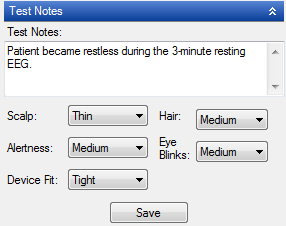
Test Notes
Click the blue bar labeled Test Notes to enter and select information about the testing session that was just performed
.
Save
Click Save to save the notes to the record. These notes will display in the Patient Report for future reference.
Patient Report
After notes are entered, you may create the Patient Report.

 .
.


