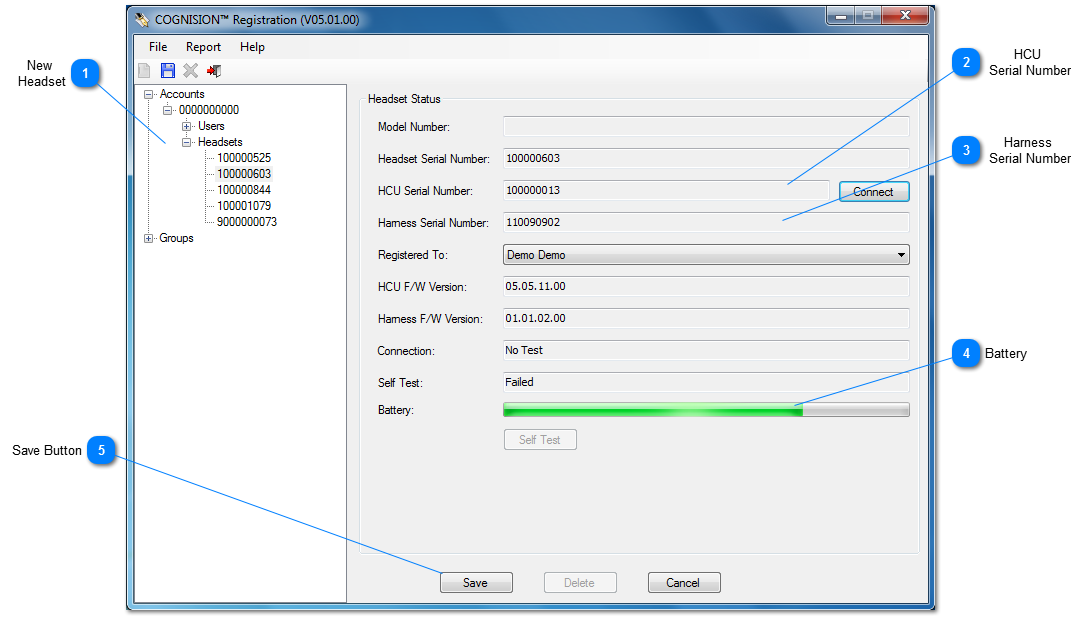
All new Headsets must be registered before any COGNISION™ tests can be run.
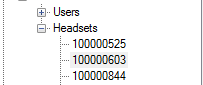
 New Headset Right-click on the Headset branch and select New.
|
 HCU Serial Number Confirms the Serial Number on the top of the HCU.
|
 Harness Serial Number Confirm that this is the Serial Number on the bottom of the Harness's electronics module.
|
 Battery Confirm that the Battery is charged.
|
 Save Button Click Save to store the new Headset settings.
|