Updating/Accessing Patient Reports
Once a Patient Report has been created, it may be accessed and updated at any time through the software.
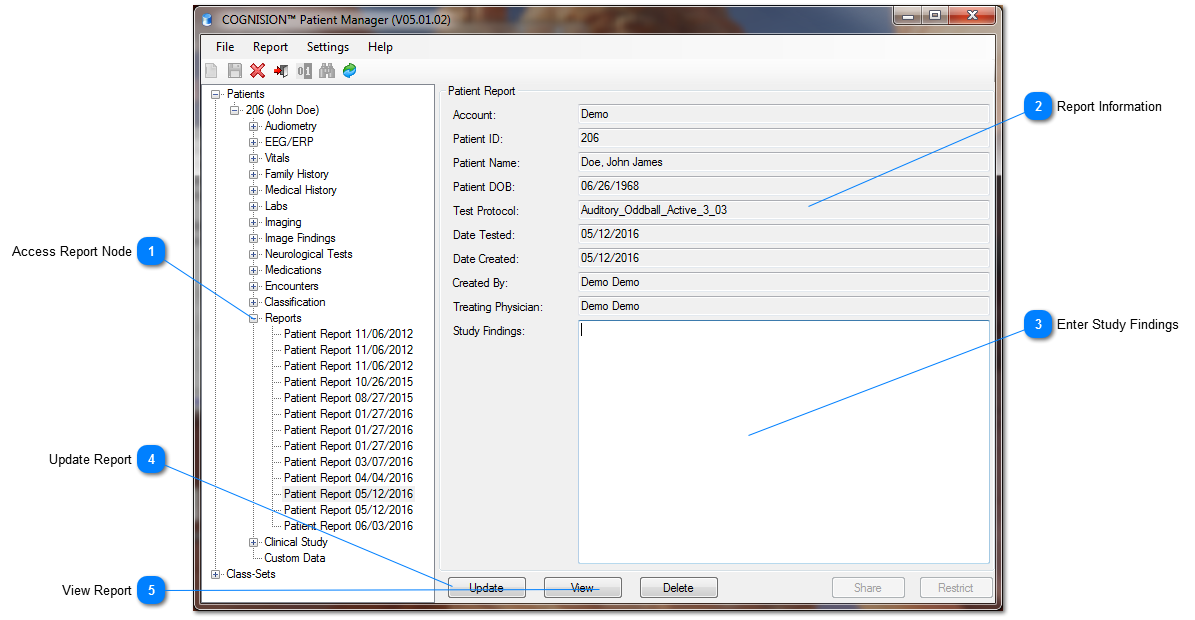
 Access Report Node -
After a Patient Report has been created, reopen Patient Manager and Search for the associated Patient -
Click the Node by the Patient's name -
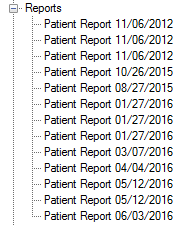
Click the Node by Reports -
Click the Patient Report record that displays
|
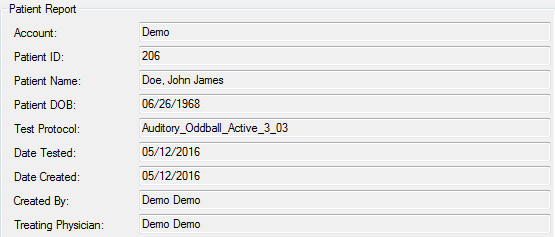
 Report Information Once a Patient Report is selected, basic report information displays on the right.
|
 Enter Study Findings After analyzing the data from the Patient Report, enter Study Findings into the box.
|
 Update Report -
After Study Findings have been entered, click Update to update the Patient Report -
Report will automatically launch with updated Text into Adobe PDF
|
 View Report Click View to view the Created or Updated Report
|