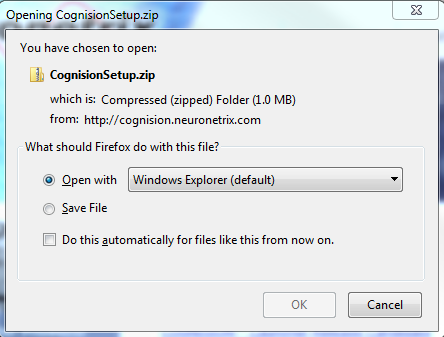
Click Save to save the file to a temporary location such as the Desktop.
NOTE: This is a large file and may take a few minutes.
Run Setup
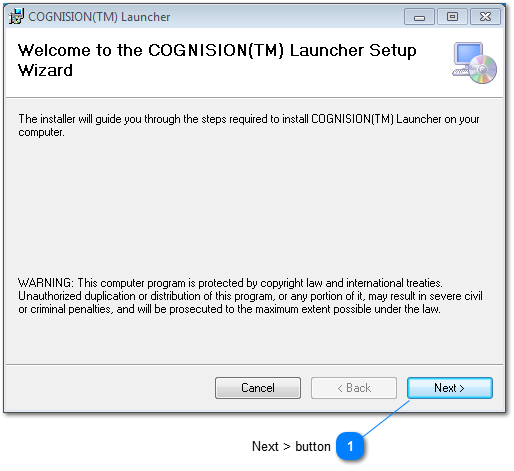
After the download is complete, open the installation .zip file and double-click on the “setup.exe” file to initiate the COGNISION™ Launcher Setup Wizard:
Next > button
Click Next to install.
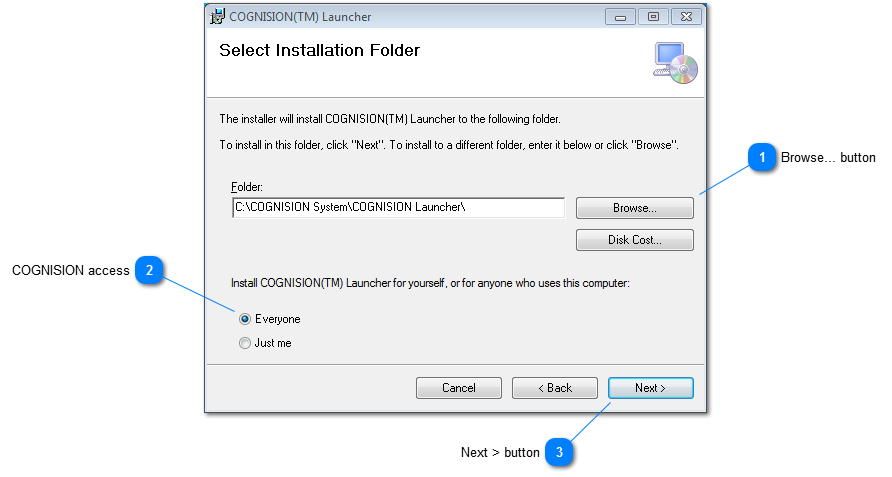
Select the Installation Folder
Browse... button
Click Browse to go to the desired installation folder. The default folder is preferred.
COGNISION access
Select who will have access to COGNISION. Everyone is preferred.
Next > button
Click Next to continue.
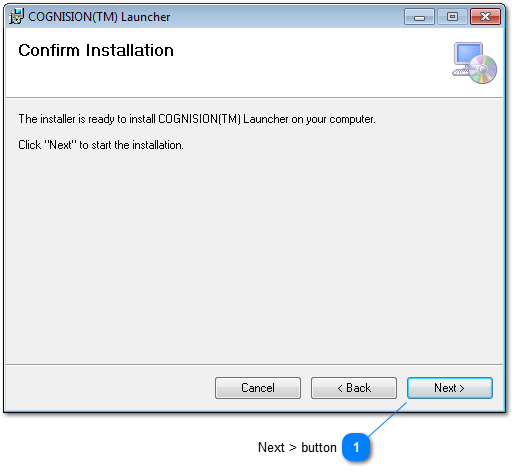
Confirm Installation
Next > button
Click Next to confirm the installation.
Complete Installation
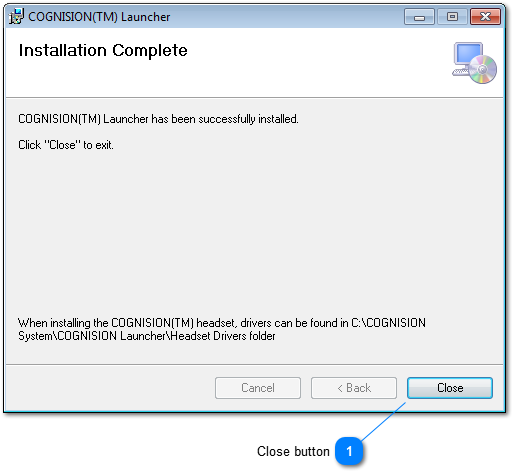
Close button
Click Close upon completion
Launch COGNISION™
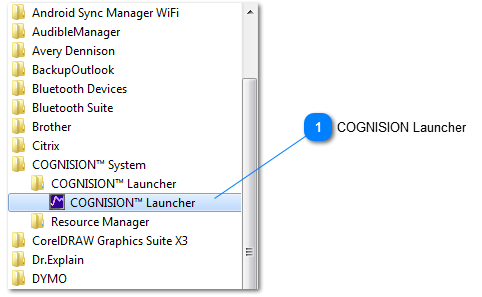
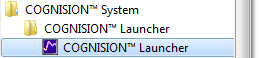
After installation, run COGNISION from the Windows Start menu.
COGNISION Launcher
Run COGNISION™ Launcher.
Install the Online Support Plugin
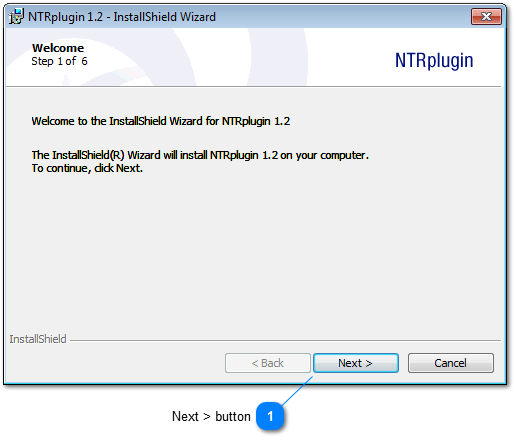
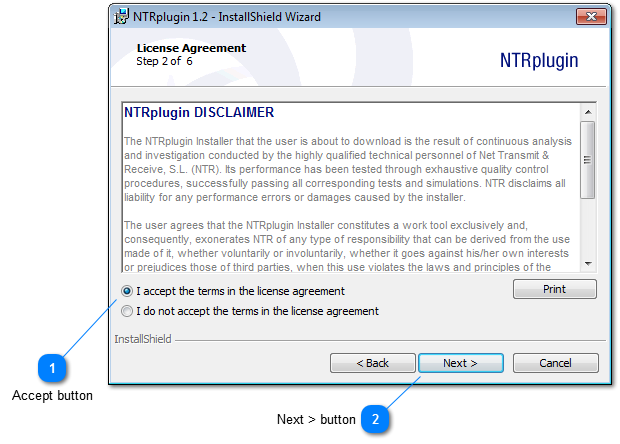
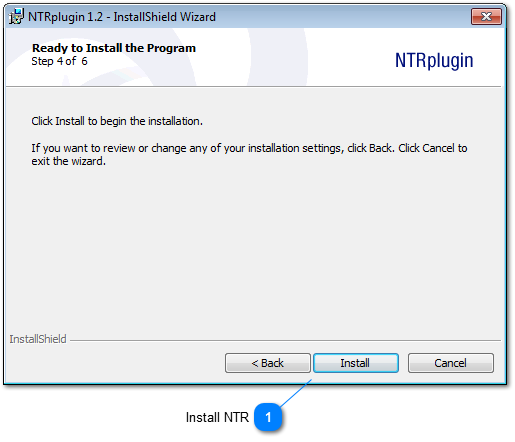
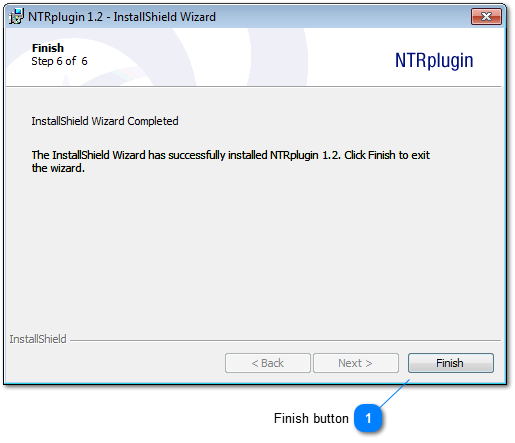
The first time COGNISION™ is run, the NTRplugin (for online support) will be installed.